
 Contacto
 Cómo comprar
Entrega
Guía de compras
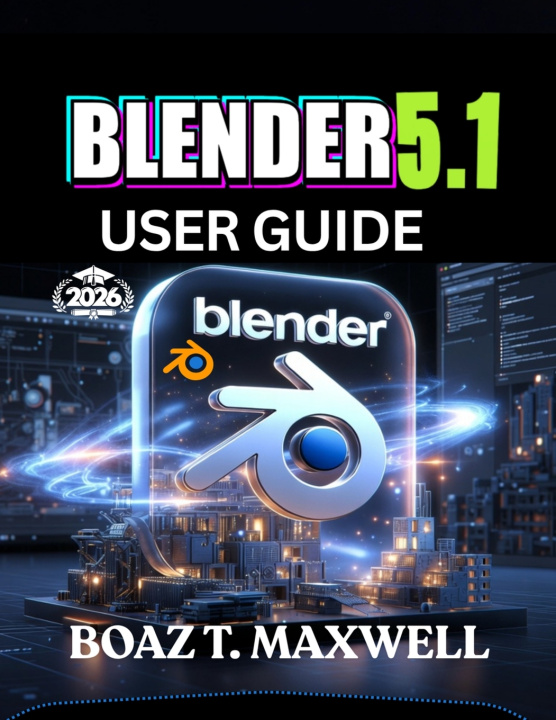
Blender 5.1 User Guide
The Complete Guide to Building 3D Models, Animations, Environments, and Cinematic Renders
 Inglés
 44 b
44 b
 Nuevo
Nuevo
Hasta 30 días para devoluciones

BLENDER 5.1 USER GUIDE
The Complete Guide to Building 3D Models, Animations, Environments, and Cinematic Renders
Take your creativity to the next level with Blender 5.1, the industry's leading free and open-source 3D creation software. Whether you're an absolute beginner, a digital artist, a game developer, an architect, or an experienced creator upgrading to Blender 5.1, this comprehensive user guide provides the practical knowledge and hands-on techniques you need to create professional-quality 3D projects from start to finish.
Designed with clear, step-by-step instructions and real-world examples, this guide removes the guesswork from learning Blender. You'll build a solid foundation while mastering the latest tools and workflows for modeling, sculpting, animation, rendering, procedural design, visual effects, and environment creation.
Inside this complete guide, you'll discover how to:
• Install and configure Blender 5.1 for maximum performance
• Navigate the Blender interface with confidence
• Master viewport navigation and workspace customization
• Create detailed 3D models using professional modeling techniques
• Sculpt realistic characters, creatures, and organic objects
• Design stunning materials and realistic textures
• Use UV mapping and texture painting efficiently
• Create breathtaking indoor and outdoor environments
• Build procedural assets using Geometry Nodes
• Produce cinematic lighting with HDRIs and advanced lighting setups
• Render photorealistic images using Cycles
• Create fast real-time renders with Eevee
• Animate characters, cameras, and objects using professional workflows
• Rig characters with armatures and inverse kinematics
• Simulate cloth, fire, smoke, fluids, hair, and particle systems
• Create visual effects and motion graphics
• Edit videos inside Blender's Video Sequence Editor
• Optimize assets for games, films, architecture, and 3D printing
• Export projects for Unity, Unreal Engine, and other professional applications
• Improve your workflow with keyboard shortcuts, productivity tips, and hidden features
• Solve common Blender problems with proven troubleshooting techniques
Whether your goal is to create game assets, animated films, architectural visualizations, product designs, visual effects, digital sculptures, cinematic scenes, or portfolio-quality artwork, this book equips you with the skills to work efficiently and confidently in Blender 5.1.


Sobre el libro
Inglés

Regale este libro hoy
Es fácil
1 Añadir al carrito y elegir Entregar como regalo en el checkout 2 Le enviaremos un vale 3 El libro llegará a la dirección del destinatario¡Hola! Soy Libroamiko, tu asesor de libros.
¿Cómo puedo ayudarte?