
 Contacto
 Cómo comprar
Entrega
Guía de compras
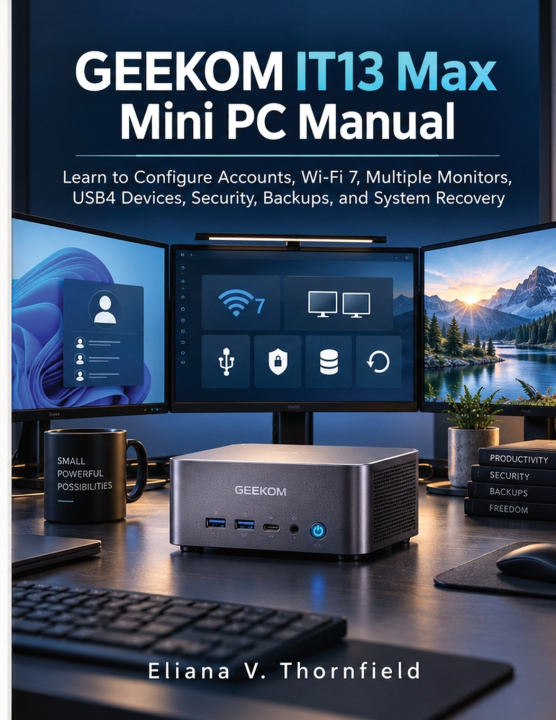
GEEKOM IT13 Max Mini PC Manual
Learn to Configure Accounts, Wi-Fi 7, Multiple Monitors, USB4 Devices, Security, Backups, and System Recovery
 Inglés
 51 b
51 b
 Nuevo
Nuevo
Hasta 30 días para devoluciones

The smallest computer on the desk can easily become the center of the most complicated setup.
Add several monitors, wireless networking, external drives, high-speed accessories, user accounts, security settings, and backup destinations, and suddenly the challenge is no longer finding enough computing power. It is keeping everything connected, organized, protected, and recoverable.
GEEKOM IT13 Max Mini PC Manual is written for that stage of ownership.
It helps readers turn a compact computer into a dependable working system by focusing on the connections and decisions that matter after the box is opened. Account configuration is approached with an emphasis on keeping access understandable and secure. Network setup goes beyond simply joining a wireless connection by helping readers recognize common causes of unreliable connectivity and know where to begin when performance changes.
Multiple-display use receives practical attention as well. The book explains how to approach an expanded desktop without creating a confusing spread of misplaced windows, mismatched display settings, and cables whose purpose is no longer clear. Readers can build a workspace suited to research, office work, communication, media, or other tasks that benefit from additional screen space.
High-speed external devices are treated as part of the same system. Rather than assuming every port and cable behaves identically, the handbook helps readers think about device requirements, storage, displays, power, and connection choices before blaming the computer when an accessory does not respond as expected.
Just as importantly, the guide prepares for the problems owners hope never happen.
Security, backups, and recovery are presented as three related responsibilities: protect access, preserve important information, and maintain a realistic route back to a working system. That means deciding what deserves protection before files disappear, understanding where backups are actually stored, and preparing recovery options before a failed update or damaged configuration makes them urgent.
Troubleshooting follows an orderly rule throughout the book: reduce the number of unknowns. Check the connection. Confirm the device. Verify the account. Test the display or network independently. Protect important data before attempting a major reset.
The payoff is not simply learning more settings. It is having a compact workstation where you understand what is connected, what is protected, where your data lives, and what to do when normal behavior changes.
A small computer becomes far more useful when the entire setup around it is as deliberate as the machine itself.
This book is an independently published educational reference and is not affiliated with, authorized by, sponsored by, or endorsed by GEEKOM, Microsoft Corporation, Intel Corporation, the Wi-Fi Alliance, USB Implementers Forum, or any related company or organization. GEEKOM, IT13 Max, Windows, Wi-Fi, USB4, Intel, and all other referenced product, technology, and company names are trademarks or registered trademarks of their respective owners and are used solely for identification and educational purposes.


Sobre el libro
Inglés

Regale este libro hoy
Es fácil
1 Añadir al carrito y elegir Entregar como regalo en el checkout 2 Le enviaremos un vale 3 El libro llegará a la dirección del destinatario¡Hola! Soy Libroamiko, tu asesor de libros.
¿Cómo puedo ayudarte?