
 Contacto
 Cómo comprar
Entrega
Guía de compras
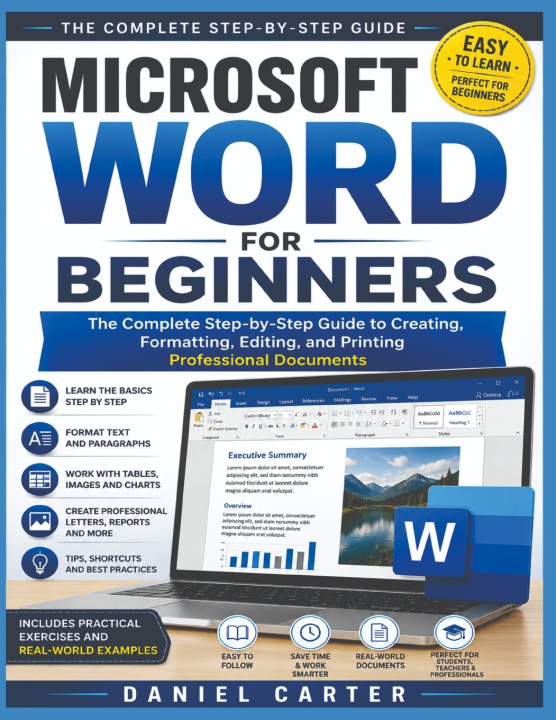
MICROSOFT WORD FOR BEGINNERS
The Complete Step-by-Step Guide to Creating, Formatting, Editing, and Printing Professional Documents
 Inglés
 55 b
55 b
 Próximamente
 Nuevo
Nuevo
Hasta 30 días para devoluciones

Microsoft Word can look complicated when you first open it, especially if you are not familiar with word-processing software. This book was designed to make the learning process simple, practical, and manageable. You do not need advanced computer knowledge to use this guide. If you can turn on a computer, open an application, and type with a keyboard, you can begin learning Word.
The chapters are arranged in a logical order, beginning with the Word interface and basic document management before moving into formatting, page design, tables, images, professional documents, printing, sharing, shortcuts, and practical projects. You can read the book from beginning to end, or jump directly to a chapter that covers a skill you need at the moment.
For the best results, open Microsoft Word while reading this book and practice each lesson as you go. Do not worry about making mistakes. Learning by doing is one of the fastest ways to become comfortable with Word. Create practice documents, type sample paragraphs, change fonts, insert tables and pictures, and experiment with different formatting options.
Whenever possible, save your practice work so you can return to it later. Repeating a task several times will help turn individual steps into skills you can perform without constantly referring to the book.
By the end of the guide, you should be able to create, edit, format, organize, save, print, export, and share professional-looking Word documents with much greater confidence.


Sobre el libro
Inglés

Regale este libro hoy
Es fácil
1 Añadir al carrito y elegir Entregar como regalo en el checkout 2 Le enviaremos un vale 3 El libro llegará a la dirección del destinatario¡Hola! Soy Libroamiko, tu asesor de libros.
¿Cómo puedo ayudarte?