
 Contacto
 Cómo comprar
Entrega
Guía de compras
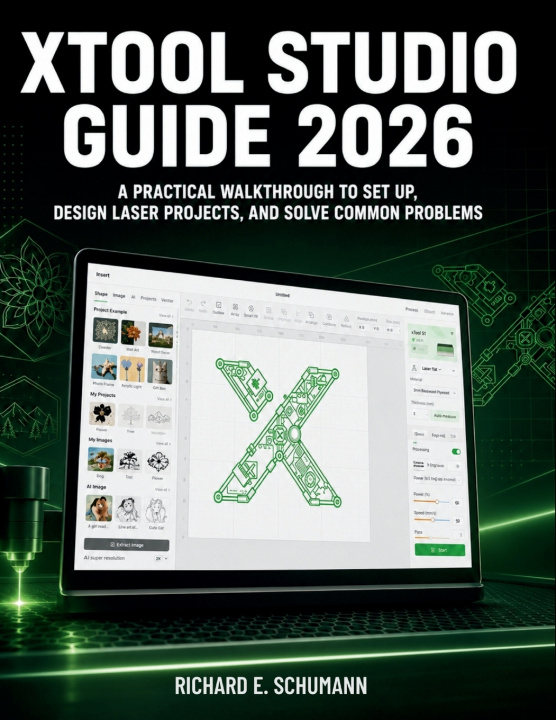
xTool Studio Guide 2026
A Practical Walkthrough to Set Up, Design Laser Projects, and Solve Common Problems
 Inglés
 61 b
61 b
 Próximamente
 Nuevo
Nuevo
Hasta 30 días para devoluciones

Getting started with xTool Studio can feel confusing when every project depends on the right file, the right settings, the right machine connection, and the right material setup. One wrong choice can lead to weak engraving, incomplete cuts, wasted blanks, poor alignment, or a project that does not look anything like the preview.
xTool Studio User Guide 2026 gives you a clear working system for setting up the software, preparing laser projects, choosing safer material settings, and solving the problems that interrupt real work. You will learn how to move from first setup to finished output with more control, fewer mistakes, and better repeatable results.
• Start with confidence by installing xTool Studio correctly on Windows or macOS and avoiding common setup problems
• Navigate faster by understanding the home page, project workspace, tools, objects, groups, layers, and preview habits
• Connect your machine properly with practical guidance for USB, Wi-Fi, device selection, firmware checks, and connection troubleshooting
• Prepare better files by importing SVG, DXF, PNG, JPG, PDF, and other formats without falling into wrong-scale or broken-vector mistakes
• Improve material results by understanding power, speed, passes, focus, air assist, test grids, and custom presets
• Run cleaner jobs by choosing the right mode for engraving, cutting, scoring, and multi-step processing
• Fix alignment issues with practical workflows for camera view, calibration, framing, irregular blanks, and pre-made products
• Handle rotary work with clearer setup steps for tumblers, cylinders, rings, and curved-object engraving
• Troubleshoot faster with symptom-to-fix guidance for lag, crashes, failed imports, Wi-Fi problems, poor cuts, weak marks, and recovery issues
• Build repeatable production habits with safety checklists, file organization, material logs, quality control, and customer-job workflows
This book is for xTool Studio beginners, hobby laser users, craft sellers, workshop owners, teachers, and small-business makers who want practical control instead of guesswork. It is especially useful if you use xTool machines for engraving, cutting, personalization, batch products, or custom orders.
Get the guide, set up your workflow correctly, and start producing cleaner laser projects with confidence.


Sobre el libro
Inglés

Regale este libro hoy
Es fácil
1 Añadir al carrito y elegir Entregar como regalo en el checkout 2 Le enviaremos un vale 3 El libro llegará a la dirección del destinatario¡Hola! Soy Libroamiko, tu asesor de libros.
¿Cómo puedo ayudarte?